Chapter 7. Additional project ideas
In this chapter, we will not discuss any more new material, but instead present a few project ideas. Some of the Strype projects provided are functional – they do something reasonable – while others are barely started. All can be extended.
The purpose is to give you some ideas what else you could do, to provide some inspiration, and to give you some sample code to study and learn from. Look at them, run them, and take them wherever your imagination takes you.
7.1. Visual effect: Explosion
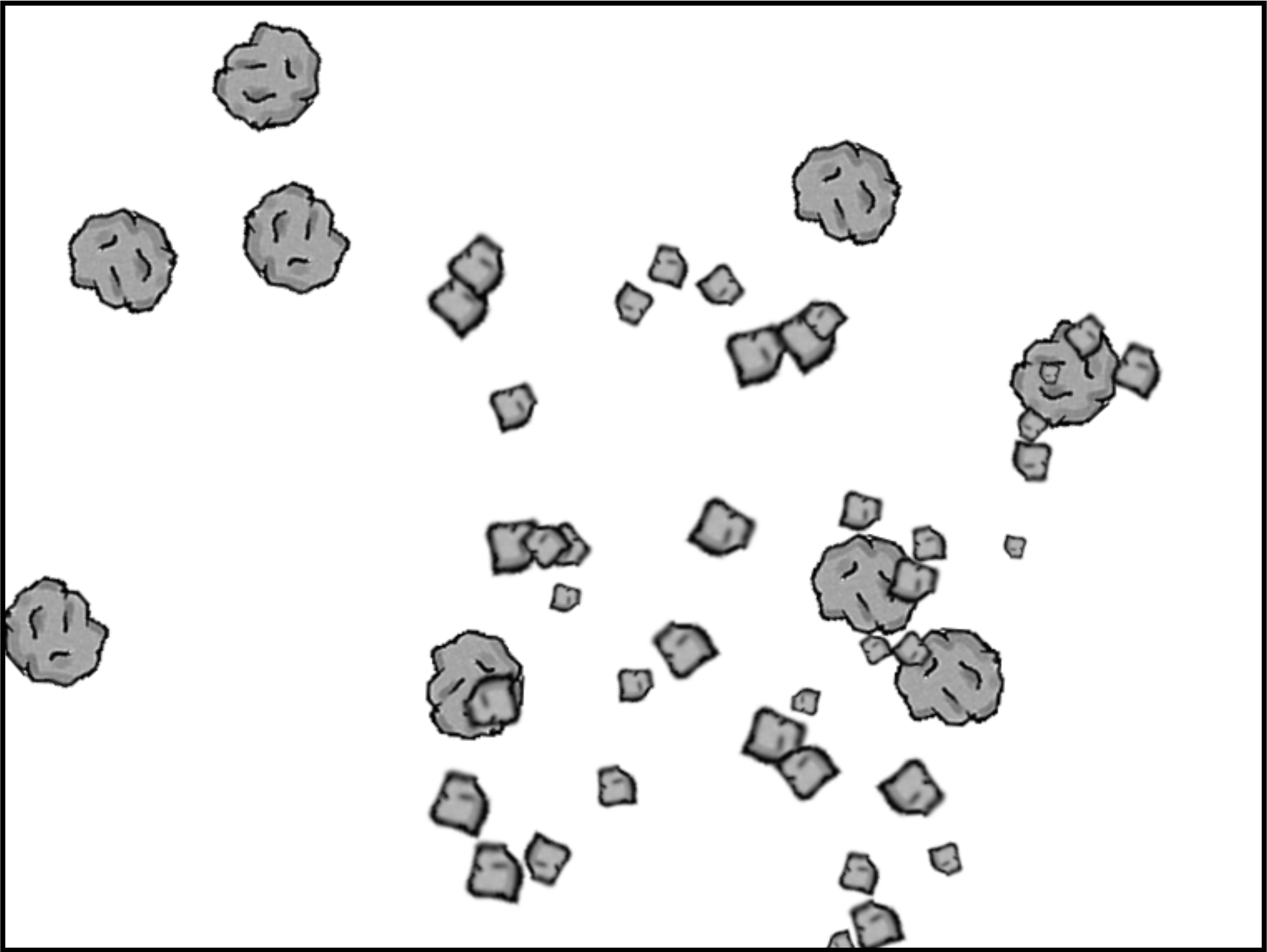
This project does not implement any stand-alone functionality, but a visual effect: an explosion.
It starts off with some rocks. Press a key on the keyboard to set off an explosion, and sit back and watch.
The explosion is implemented by replacing a rock on screen with 40 smaller parts of rock fragments (of random size), and giving each of these fragments a random initial speed and direction of movement. The inherent movement speed is stored as a dx/dy value pair – the distance which the fragment will travel in the horizontal and vertical direction at each step.
We can then easily apply gravity: At each animation step, we change the vertical movement speed (dy) by subtracting a gravity constant. This will make dy a larger and larger negative number, increasing the speed downwards at each step.
Possible extensions
Suggestion 7.1 Increase the number of rocks to 20.
Suggestion 7.2 Increase the number of fragments that appear for each rock when it explodes.
Suggestion 7.3 Make the rocks bounce off each other when they collide.
Suggestion 7.4 Add sound.
7.2. Flocking behaviour: School of fish
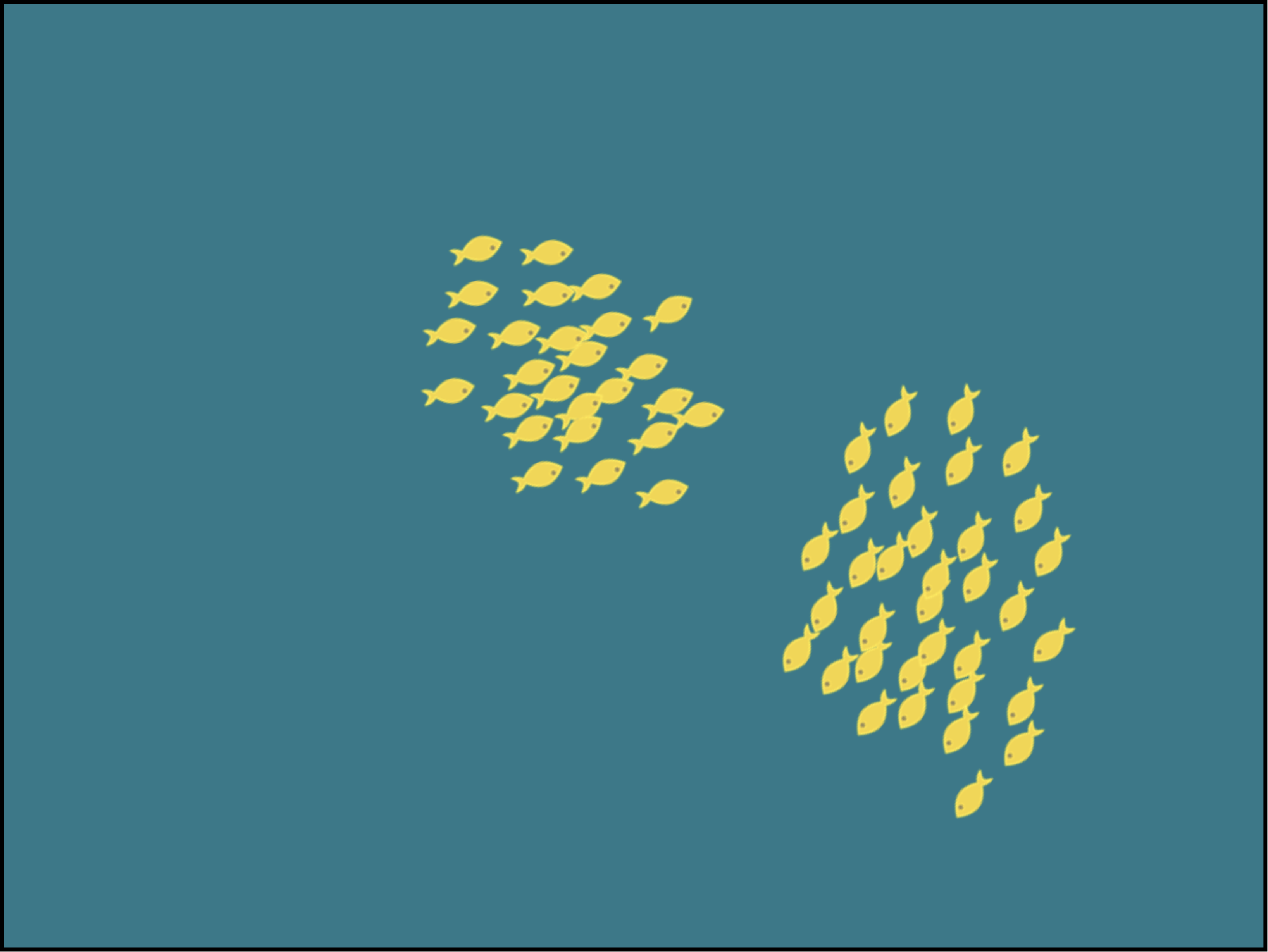
This project implements flocking behaviour.
Flocking is a natural animal behaviour exhibited by various groups of animals. The name flocking is taken from flocks of birds (such as starlings) which are famous for this phenomenon. With schools of fish, it is called "shoaling". Swarms of insects or herds of land animals can also show this behaviour.
In a flock, each individual’s motion is influenced by several factors: the desire to stay near to others, the intent to travel in the same direction as everyone else, the goal not to bump into each other, and so on.
If you are interested, do a web search to find out more.
Possible extensions
Suggestion 7.5 Experiment with different numbers of fish – fewer or more.
Suggestion 7.6 Change the image from fish to birds.
Suggestion 7.7 Read through the code for each function and add a comment to describe the functionality of each one.
Suggestion 7.8 Add a shark that the user controls and make the fish try to flee from the shark.
7.3. Object-oriented programming: Little Crab
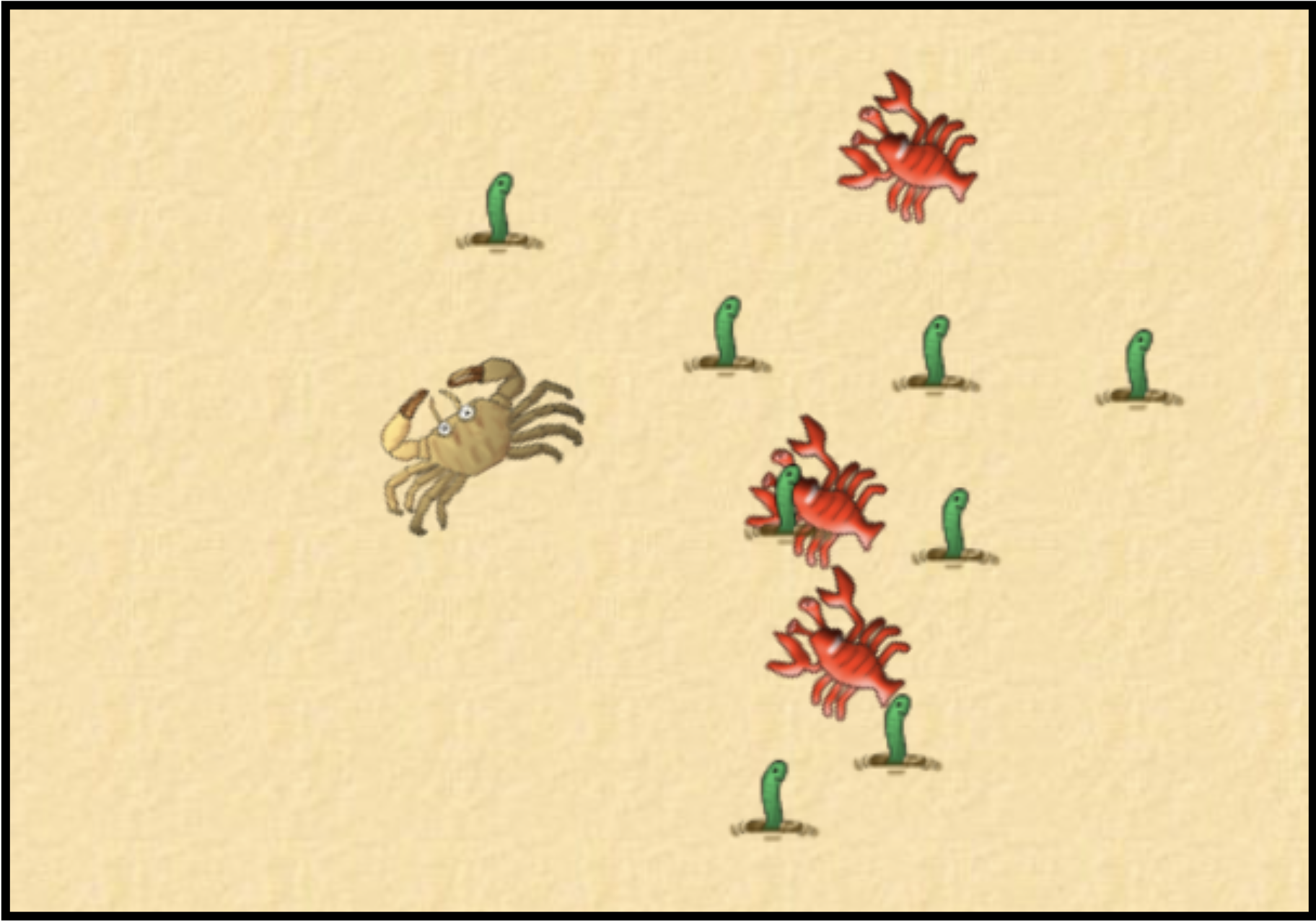
This is an implementation of an old game, first written for the Greenfoot environment in Java, and here translated to Python.
It is very similar to the Yellow-Fish project, which we discussed in the first volume of this book series. The main difference (apart from the use of different images) is that the project here was implemented using classes and objects.
It serves here as an example of object-oriented programming. In a way, using objects results in cleaner, more structured code, that can be easier to understand and maintain. If you would like to study object-orientation in Python, have a close look here.
Possible extensions
Suggestion 7.9 Change some of the game details: the number of worms and lobsters, the speed of the lobsters, the speed of the crab. Find a balance of settings that makes this a challenging (but not too hard) game.
Suggestion 7.10 Animate the worms so that they look like they’re swaying or dancing.
Suggestion 7.11 Add a score which increases each time the crab eats a worm. Display the score at the end of the game.
Suggestion 7.12 Turn this into a two-player game.
7.4. Sophisticated motion: Cheese
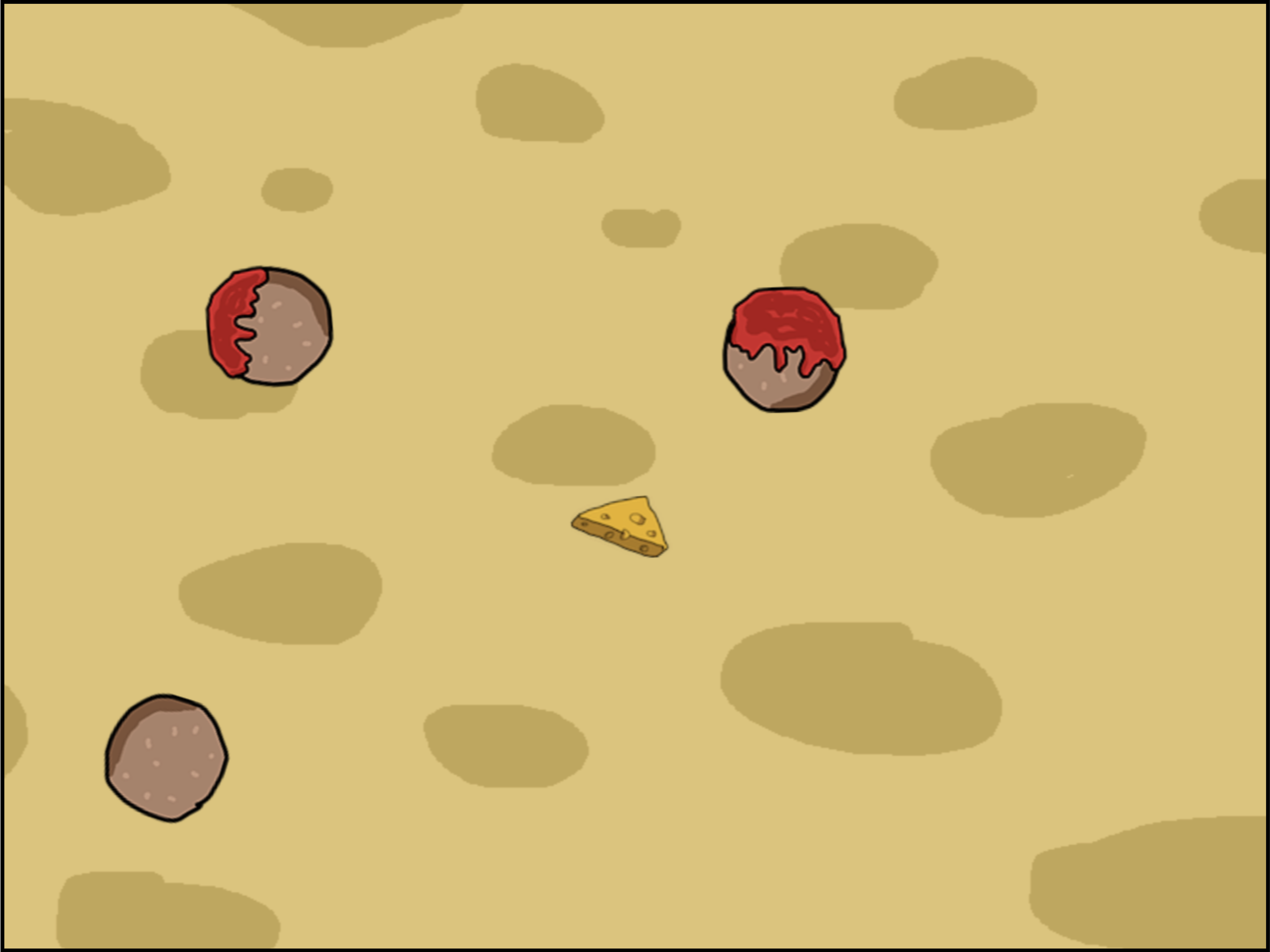
"Cheese" is a fully implemented, playable game. You fly your wedge of cheese through the game, shooting blobs of ketchup at meatballs.
This is quite a sophisticated program, implemented using classes and objects, including a reusable Vector class. Various constants allow you to make the game easier or harder, such as the number of meatballs, the speed of the cheese, or the rate of firing.
The game is based on the classic arcade game "asteroids" (do a web search!), and there is also an asteroid-themed version of the game available here. (It is essentially the same code, with different graphics.)
Possible extensions
Suggestion 7.13 Add a score which increases each time you hit a meatball.
Suggestion 7.14 Add a bonus powerup which randomly appears and gives you 50 points if you shoot it.
Suggestion 7.15 Add a powerup that you collect by flying over it; it increases your rate of firing ketchup.
Suggestion 7.16 Make new meatballs appear at fixed intervals. You win only if you shoot them quickly enough to get rid of all of them.
7.5. Data analysis: Renewables
If you would like to investigate data analysis (and data science in general) a bit more, then you will eventually move on from writing your own loops to sift through the data, and instead use custom-made libraries that make this functionality easier and more convenient to access. The main libraries that Python provides for this kind of project are pandas, numpy and matplotlib (which includes pyplot).
You may have seen a first example of pyplot in the temperature-plot project in Volume 2 of this book series, and an example of the use of pandas to read and analyse csv files at the end of Chapter 2 of this book (in the top-10-songs project).
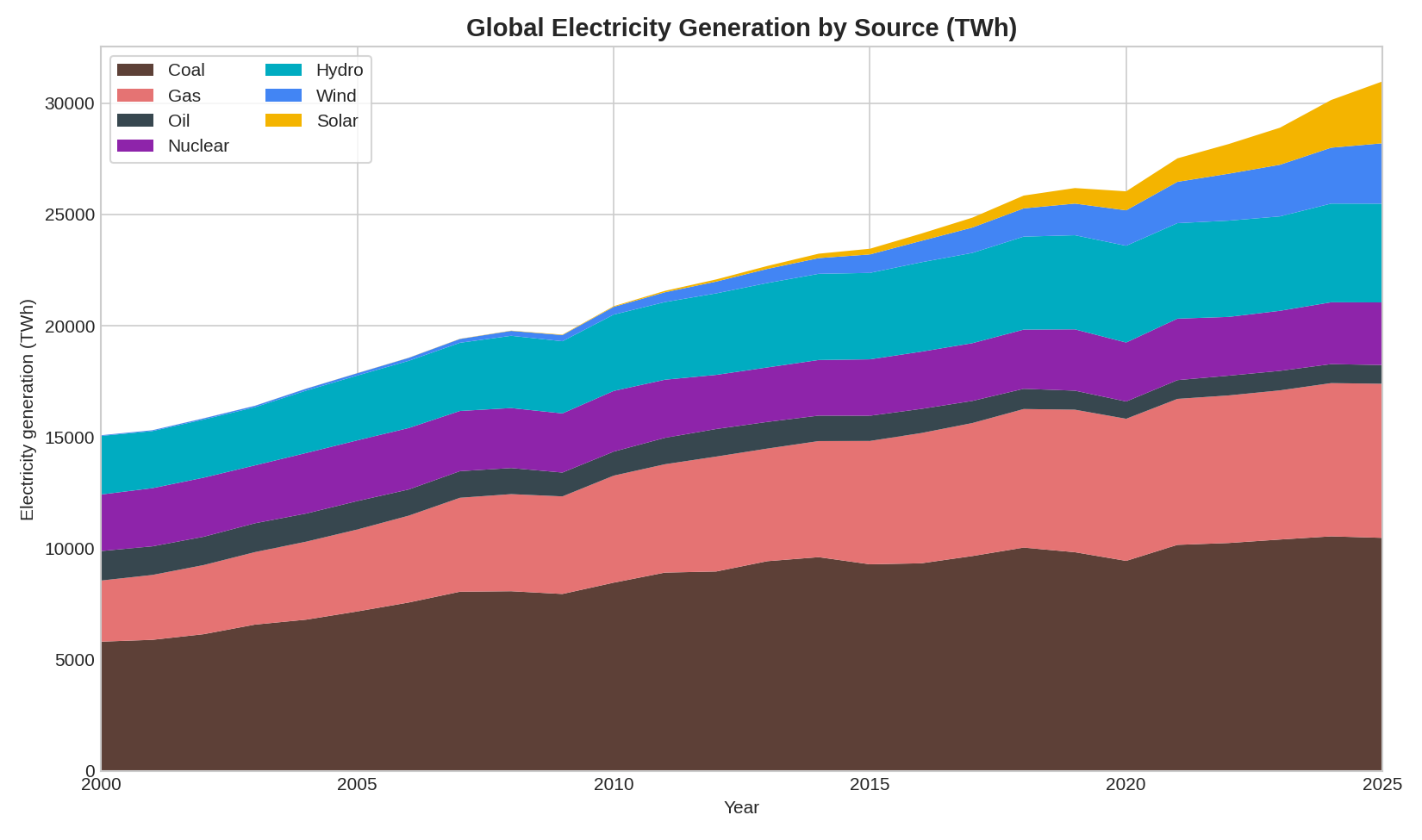
Here is a new project that combines use of pandas, numpy and pyplot to do a bit more sophisticated analysis. It reads in a csv file with detailed data about renewable energy creation (an example of a dataset provided on kaggle.com) and produces several graphs of different types. It can also save images of those graphs as PNG image files.
The project is called renewables. If you get it to write PNG files, they will be stored in Strype’s local file store (accessible in the "Files" tab) if you do not use a cloud file system. If your project is stored in a cloud file system, then the generated files will be stored there.
Possible extensions
Suggestion 7.17 Change the code so that it generates a PNG for each graph. Download the PNG files and add them to a text document.
Suggestion 7.18 Change the colours for each type of electricity generation so that renewables are all shades of green and fossil fuels are all shades of red.
Suggestion 7.19 Change the final graph so that instead of showing solar vs wind energy for the top 6 economies it shows solar vs coal for the same economies.
Suggestion 7.20 Research the purposes of the libraries pandas, numpy and pyplot, which are used in this project. Describe what each of them does. What is the main strength of each one?